
This article outlines the steps needed to upgrade your Auto-Key plug-in to Auto-Key 2.
We're happy to announce our newest upgrade path from Auto-Key to Auto-Key 2!
Perpetual license holders of Auto-Key are now eligible for a special upgrade offer to Auto-Key 2.
If you own a perpetual license to Auto-Key you can redeem your upgrade offer by following the steps below:
1. Log into your Antares account here
2. Click on your Profile icon, and click "My Account"
3. Below your Auto-Key perpetual license, click "Upgrade"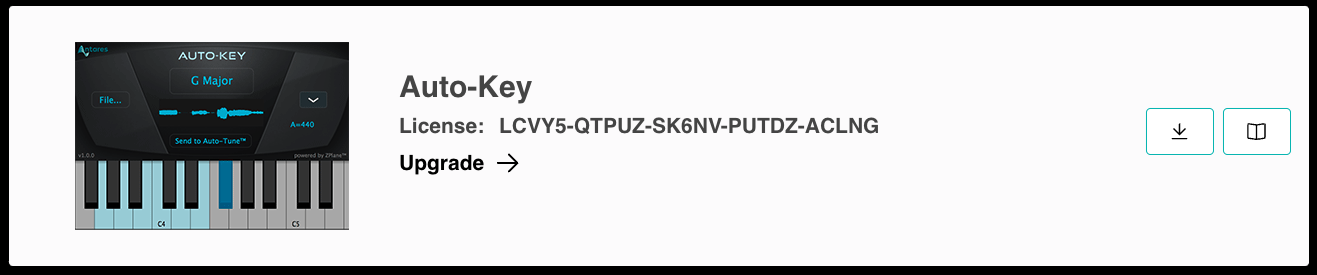
4. Click "Add" from the pop-up and it will be added to your cart
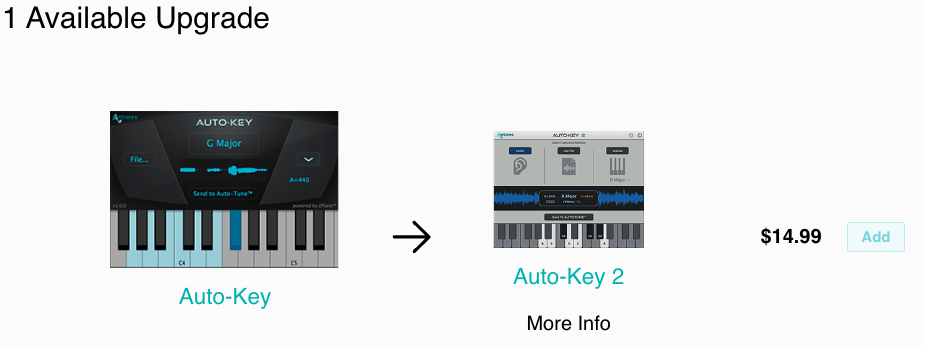
5. Continue to your cart and check out
Note: Users who previously received Auto-Key bundled with their Auto-Tune Pro must contact support to redeem their upgrade offer.
Comments
0 comments
Article is closed for comments.