
This article will help you view and download an order invoice/receipt from the 'My Account' portal.
If you'd like to view or download an order invoice/receipt for your subscription or perpetual license, please follow the steps below:
- Log into your Antares Account on our website
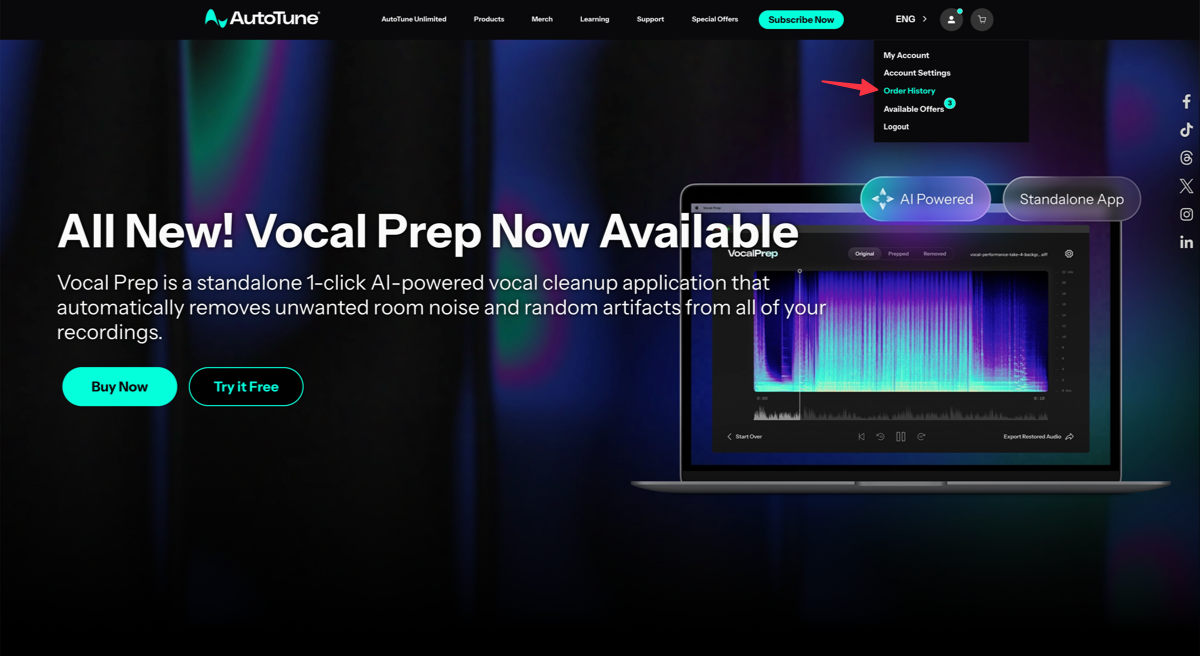
- Click the Account Icon
- Click Order History from the dropdown menu
- Click the Invoice icon next to the order that you'd like to view
- To download the invoice, click the Download icon in the top right corner
Note: The invoice will be displayed in a new tab on your browser. If you have trouble opening your invoice, please temporarily disable any ad blockers running in your browser and try again.
Comments
0 comments
Article is closed for comments.