
UPDATE: The AutoTune Pro 11.6.0 maintenance release contains a number of bug fixes related to session recall issues. Please update your plug-in via AutoTune Central.
For more information, see the AutoTune Pro 11 release notes.
We have received reports from users regarding a session recall issue with AutoTune Pro 11, where parameter states are reset to their default values. Key, Scale, and Keyboard note edits seem to be affected most commonly, but other settings may also be affected.
This issue seems to occur in the following scenarios:
- Upon saving and reopening a session
- When duplicating an instance of AutoTune Pro within an active session. The duplicated instance may erroneously contain default settings.
Settings recall issues are often accompanied by the defaulted Key and Scale fields showing in italics, pictured below:
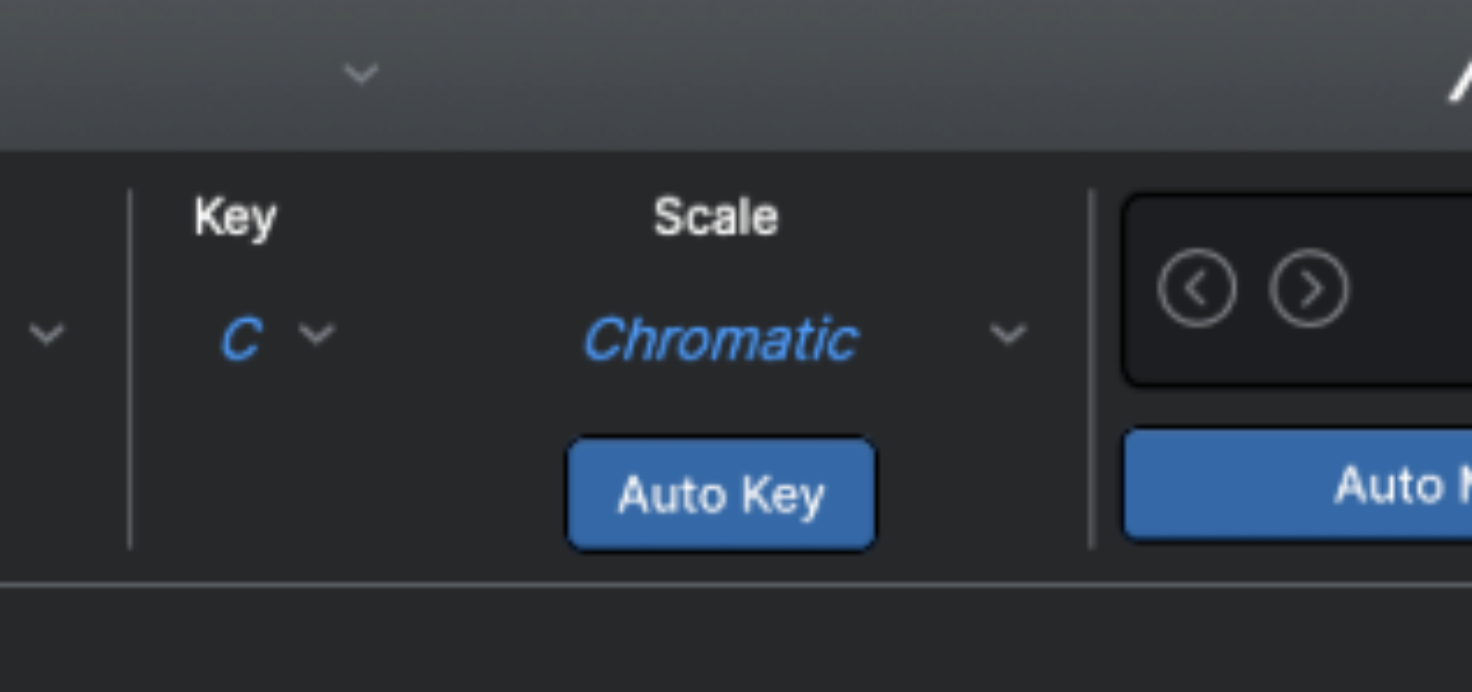
Note: This issue has been resolved in the AutoTune Pro 11.6.0 maintenance release, but if you're unable to install the update, try the following workaround:
- Open your session with the affected instance of AutoTune Pro
- Click the gear icon to open the Settings and Preferences menu
- Select the General tab
- Toggle the Scales setting from Legacy to Modern
- Click Save and exit the Preferences menu
We appreciate your your continued support. Please contact our Customer Success team if you have any questions.
Comments
0 comments
Article is closed for comments.