
Please follow the steps in this troubleshooting article if your FL Studio session fails to load your Auto-Tune license after completing the license migration process in Auto-Tune Central.
Some users may experience the following error message in FL Studio after migrating their Auto-Tune license from Wibu to iLok in Auto-Tune Central:
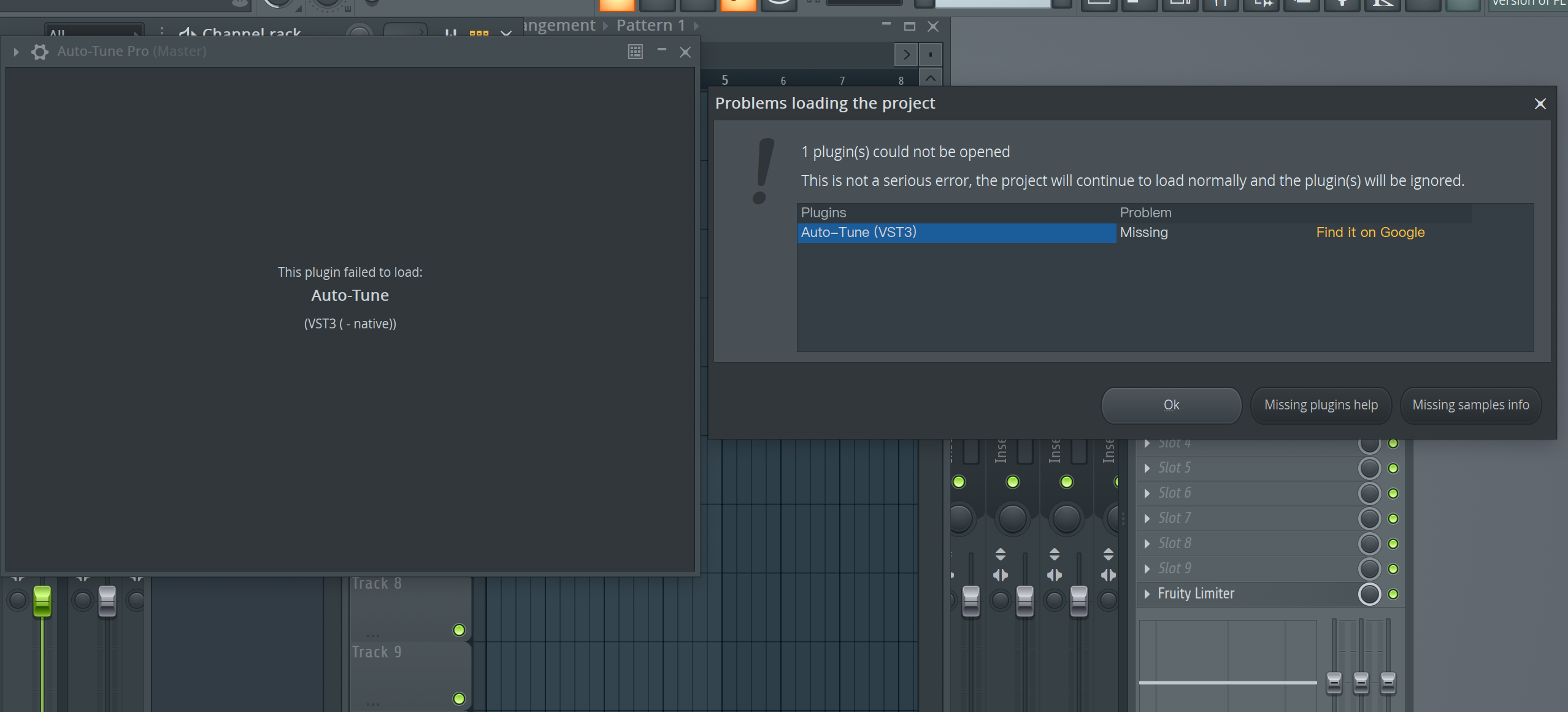
If you see this error message in your FL Studio session, it can often be solved by performing a plug-in rescan. The steps to do this are outlined below:
- On the top left menu bar in FL Studio, Click 'Options', then click 'Manage Plugins'.
- Ensure that the 'Rescan previously installed plugins' and the 'Rescan plugins with errors' options are both enabled.
- Click the 'Find Installed Plugins' button located at the top left on the Plugin Manager window.
After the plugin rescan is complete, the error message with your Auto-Tune license should be resolved. If you continue encountering an issue with your session, please contact the Customer Success team for further assistance.
Comments
0 comments
Article is closed for comments.