
Activation Error when opening AutoTune plug-ins: “This software cannot be run because the activation experience thinks the authorizations was found, but the wrapper could not verify it.”
Some users have encountered this iLok Activation Error after opening a new AutoTune product in their DAW for the first time:
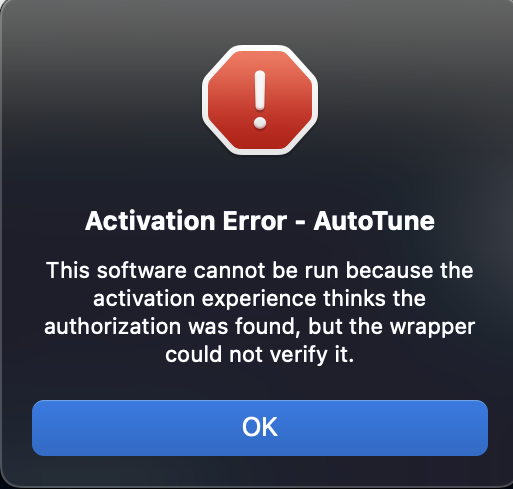
Typically, this error is caused by a minor communication error with iLok services, and will resolve on its own after restarting the DAW. If the error persists after restarting your DAW, please try the following troubleshooting steps:
- Restart your computer. This will ensure that all the background iLok services are properly initialized.
- Restart the iLok License Manager
- Install any pending updates, if available
- You can install the iLok License Manager here
- Sync your iLok
- Right-Click your iLok on the left, and click "Synchronize"
These steps should help you resolve the Activation Error, but feel free to reach out to our Customer Success team for further assistance.
Comments
0 comments
Article is closed for comments.