
This article will walk you through the steps needed to activate a license using the iLok License Manager.
If you've recently filed an RMA for a lost or stolen iLok dongle, you will need to reactivate your licenses after they've been replaced. Modern AutoTune licenses, such as AutoTune Pro 11, AutoTune EFX+, and Vocal Reverb can be reactivated in Auto-Tune Central by following the steps in this article.
Legacy licenses, such as Auto-Tune Pro 9, Auto-Tune EFX 3, Auto-Tune Live, AVOX Evo 64, and other older plug-ins (released prior to 2018) will not appear in Auto-Tune Central for activation. Instead, legacy licenses must be activated using the iLok License Manager. Please follow the steps below:
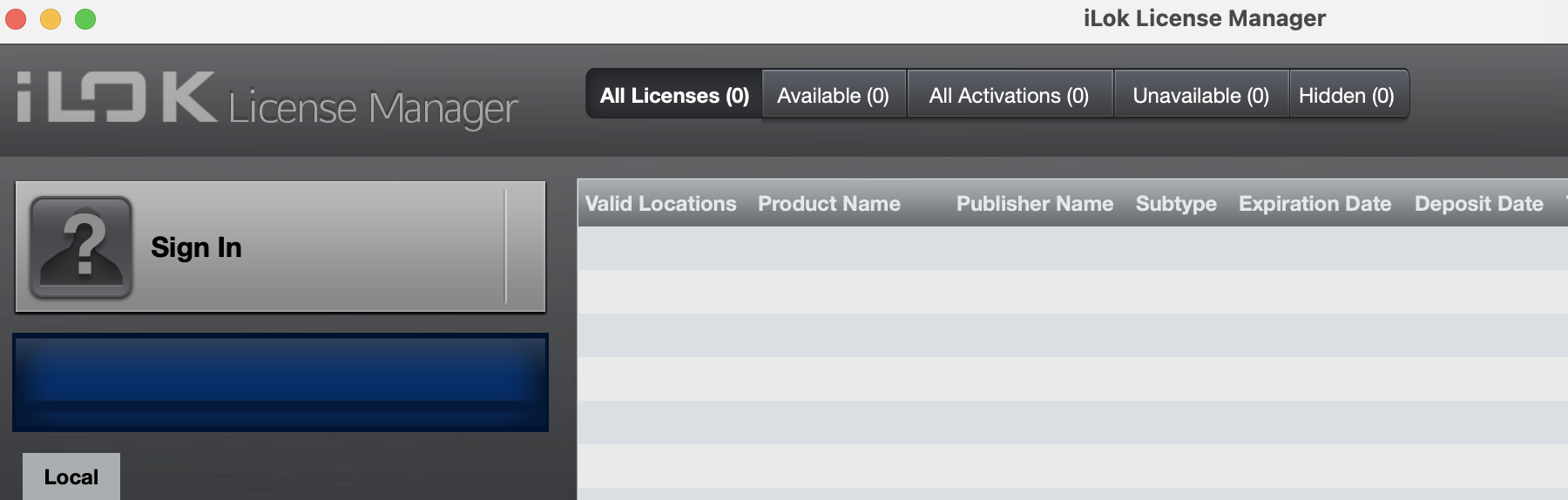
- If you don't already have it, please download and install the iLok License Manager:
- Click Sign In
- Sign in with your iLok ID credentials
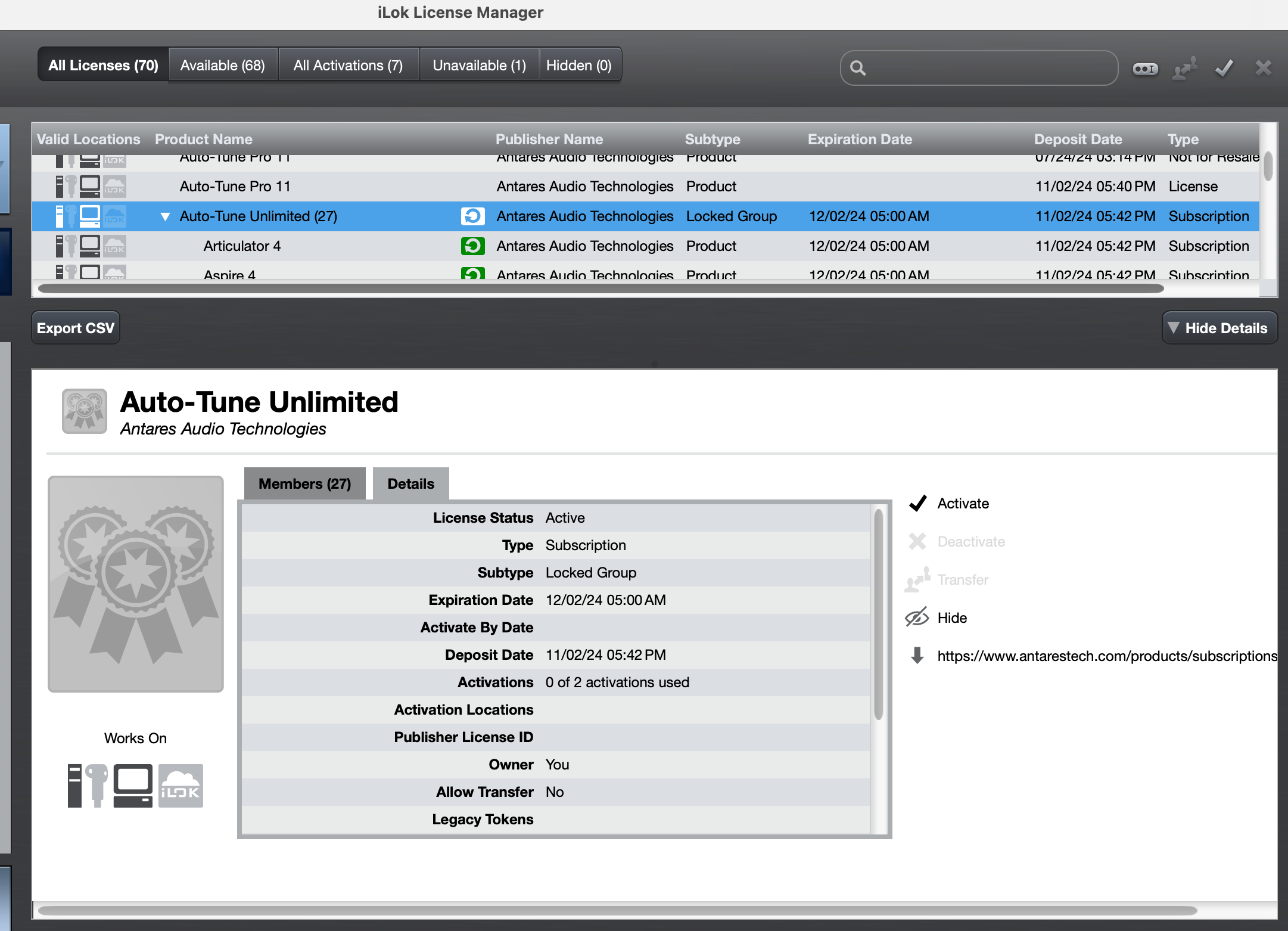
- Double-click your Auto-Tune license(s)
- Click Activate
- Select a location (computer and/or dongle)
- Click Confirm
Comments
0 comments
Article is closed for comments.