
This article contains the latest information regarding official compatibility with Windows 11.
Antares plug-ins are officially supported on Windows 11
If you're using a Windows 11 machine, please follow the steps below to download and install the latest version of your plug-ins:
- Download and run the latest installer for Auto-Tune Central
- Extract the files from your Downloads folder, then double click the installer to begin the installation process
- This message from Windows Defender may appear before starting the installation:
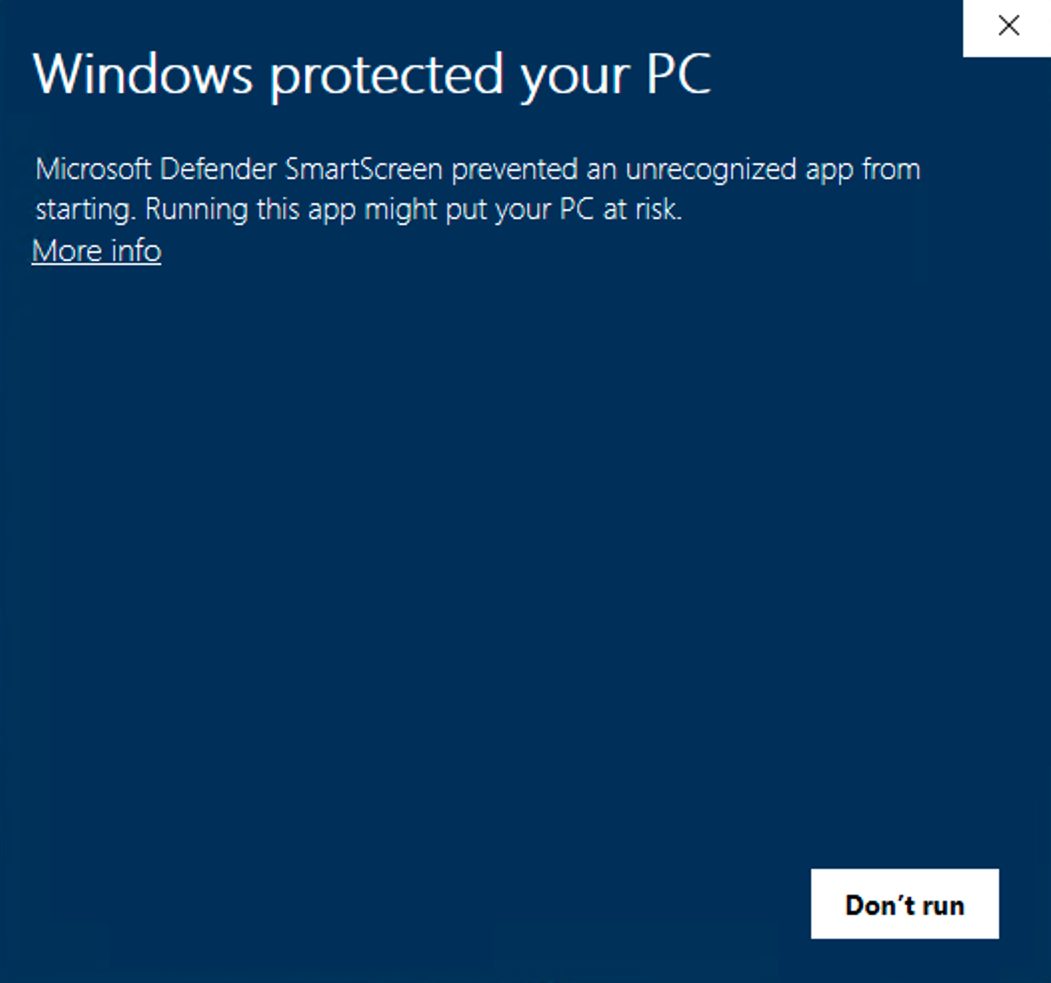
Rest assured that this is not a cause for concern.
- To proceed with the installation, click More Info
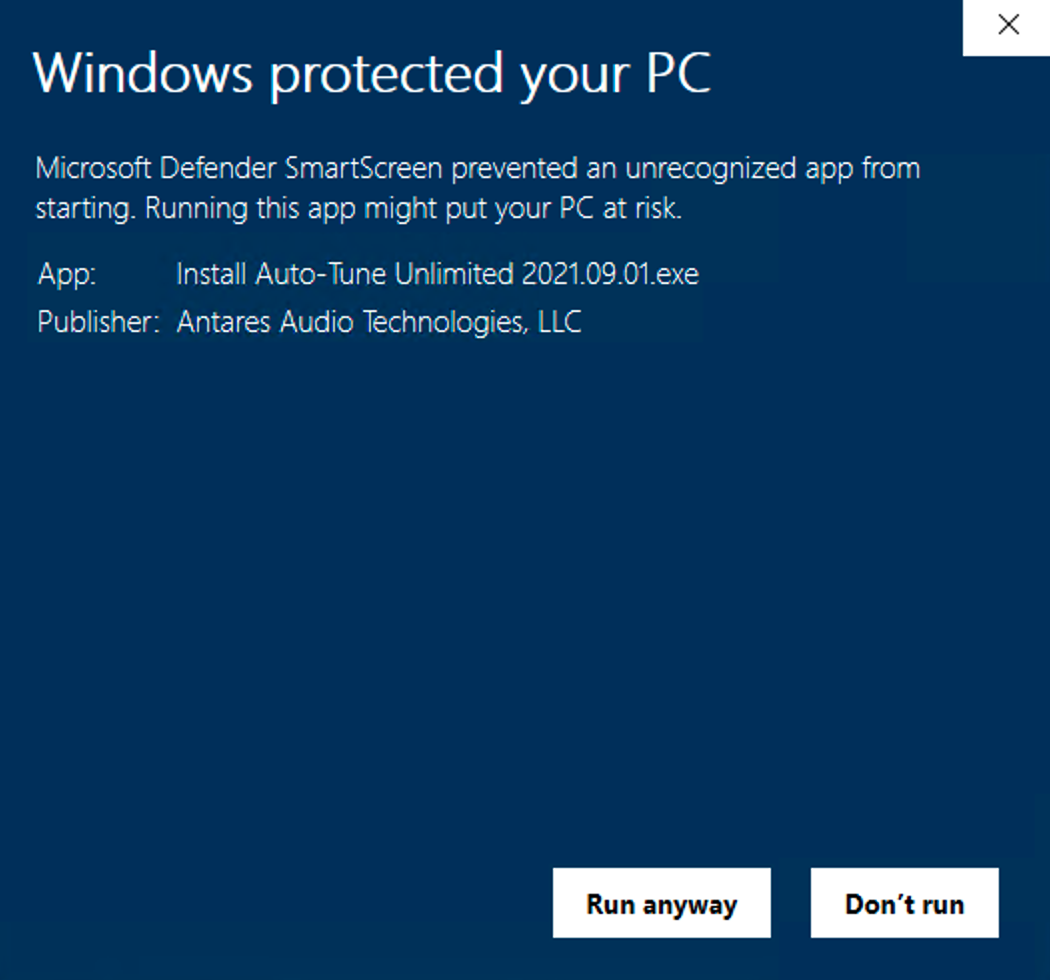
- Click Run anyway
- Proceed with the installation
Feel free to contact our support team if you run into any other issues or have any questions.
Comments
0 comments
Article is closed for comments.